The iPad dashboard that's there when you are.
A full-screen kiosk browser for iPad. It wakes when someone walks in, rests when the room is empty, and runs entirely on-device.


Walk in, it wakes. Walk away, it rests.
Why I Built This
I made it for myself first.
I had an old iPad lying around and wanted it as a wall dashboard for my smart home, which runs on Home Assistant. Screen on when I walk up, off when the room is empty. Nothing did just that, so I made my own.
I figured others might find it useful too. But I get that turning on the camera is a dealbreaker for many, given how much data gets quietly taken these days. So I open sourced it: you can check that the camera images are never sent or stored, or just build it yourself.
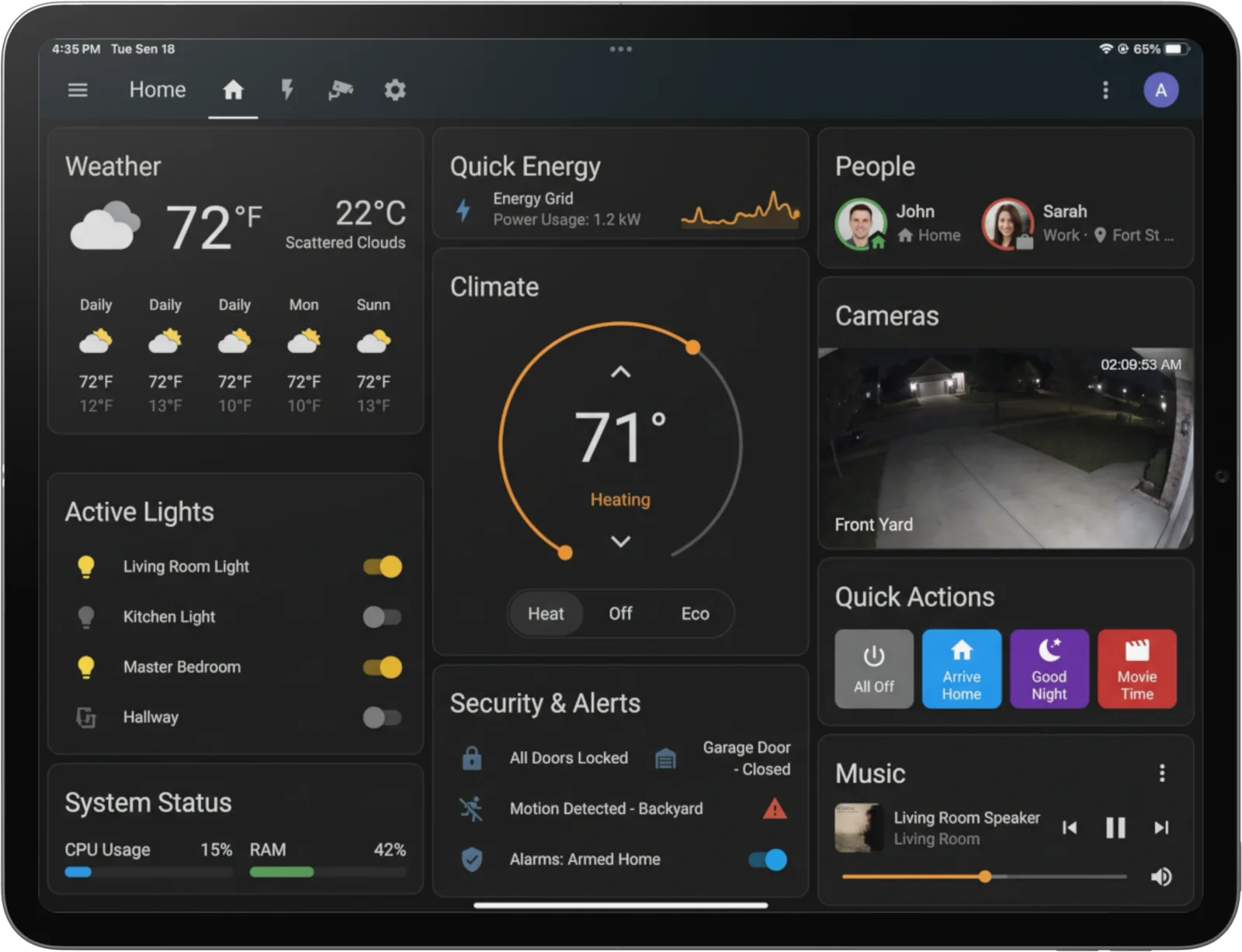
Present when you are. Idle when you're not.
The front camera notices when someone is in the room. No video, no recording, nothing leaves the iPad.
A quick glance
The camera wakes for a few seconds, grabs one frame, and turns off.
On-device check
The iPad checks that frame for brightness and whether a person is in view.
Show or rest
Someone there? It stays up. Empty room? It goes idle. Dark room? It skips the camera.
The frame is gone
Discarded at once. Never saved, never sent anywhere.
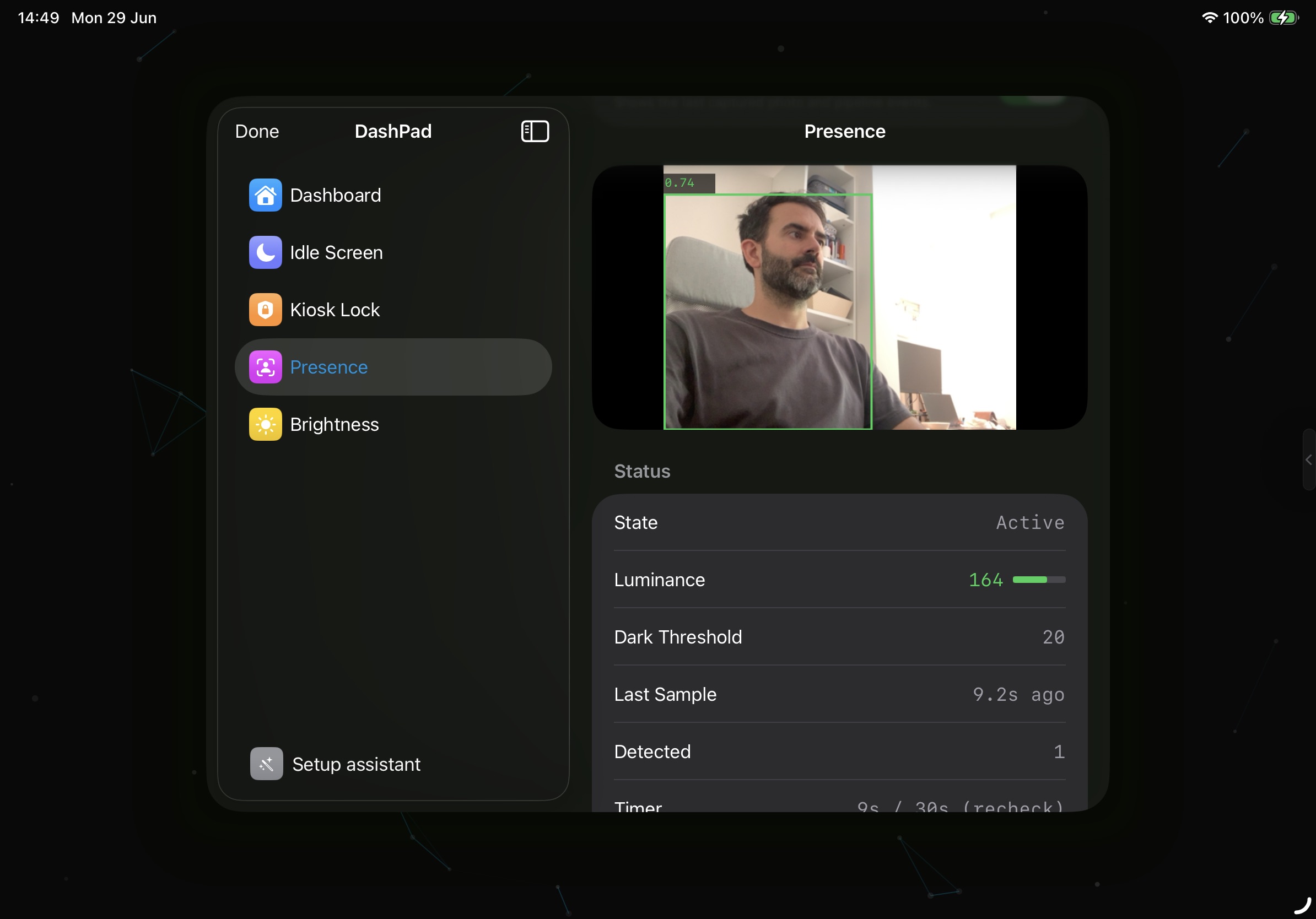
person detection · in Settings
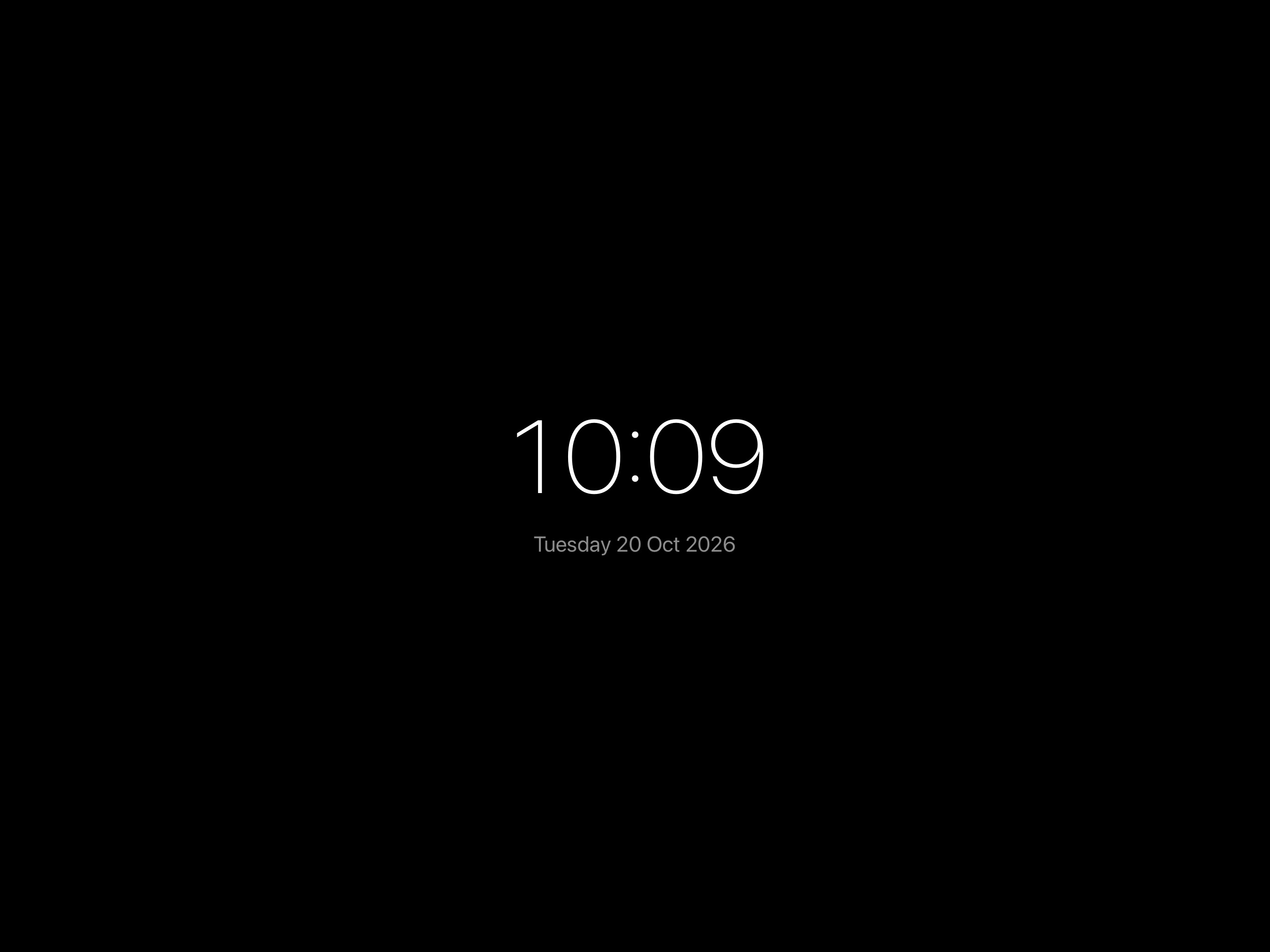
When the room's empty, it becomes a clock.
Pick a face. Some are dark enough for the bedroom, some are just fun.
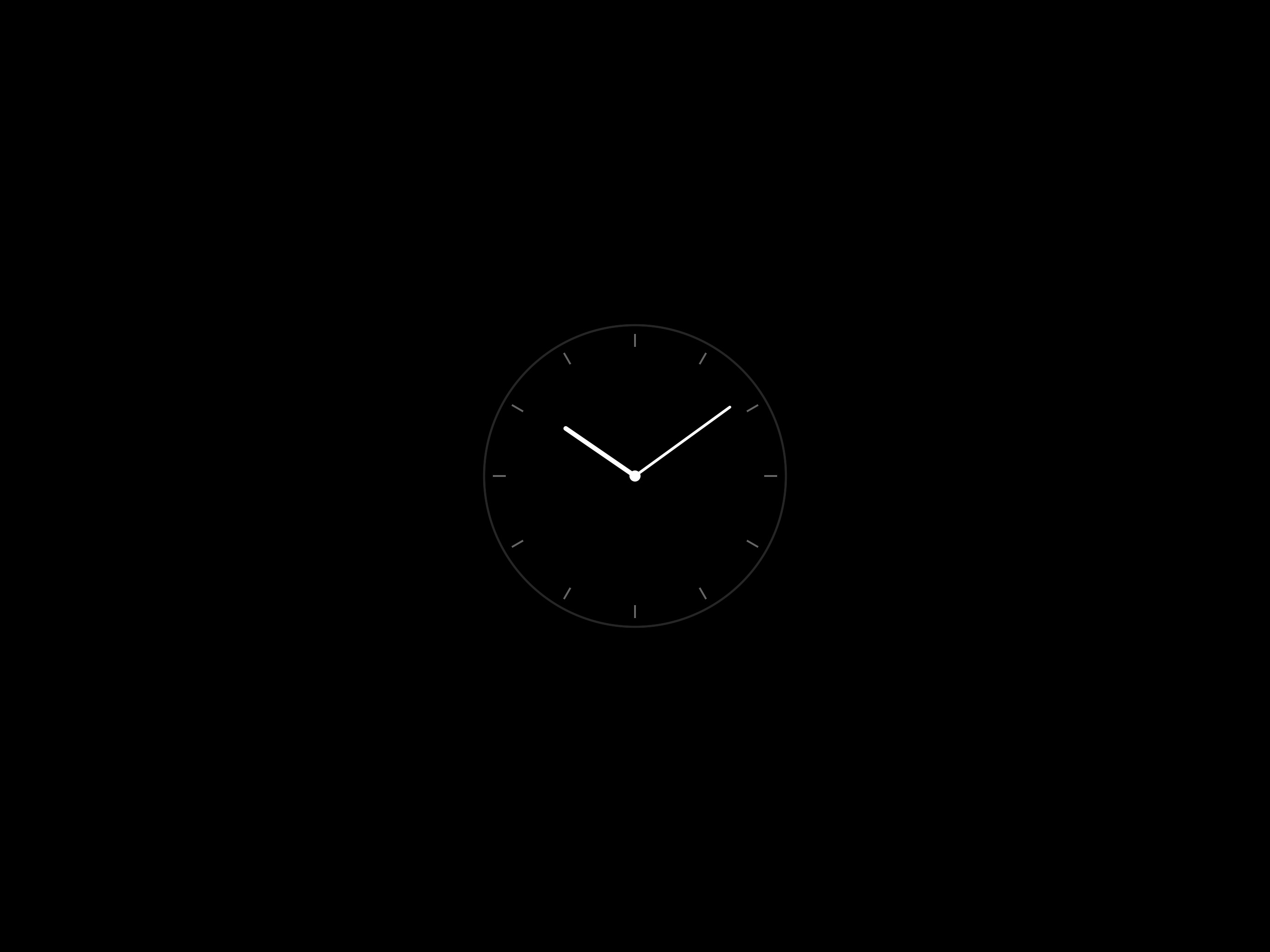
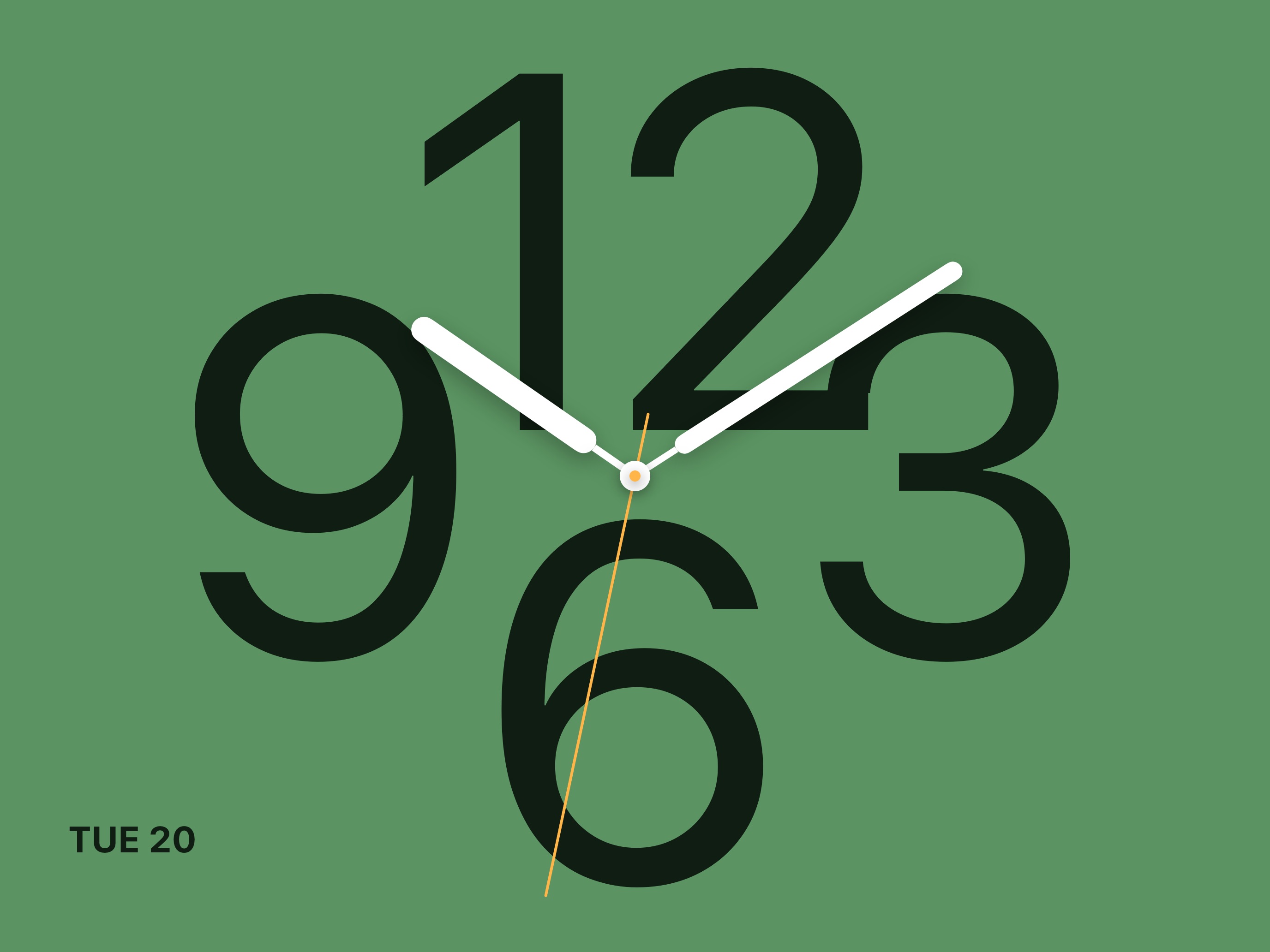
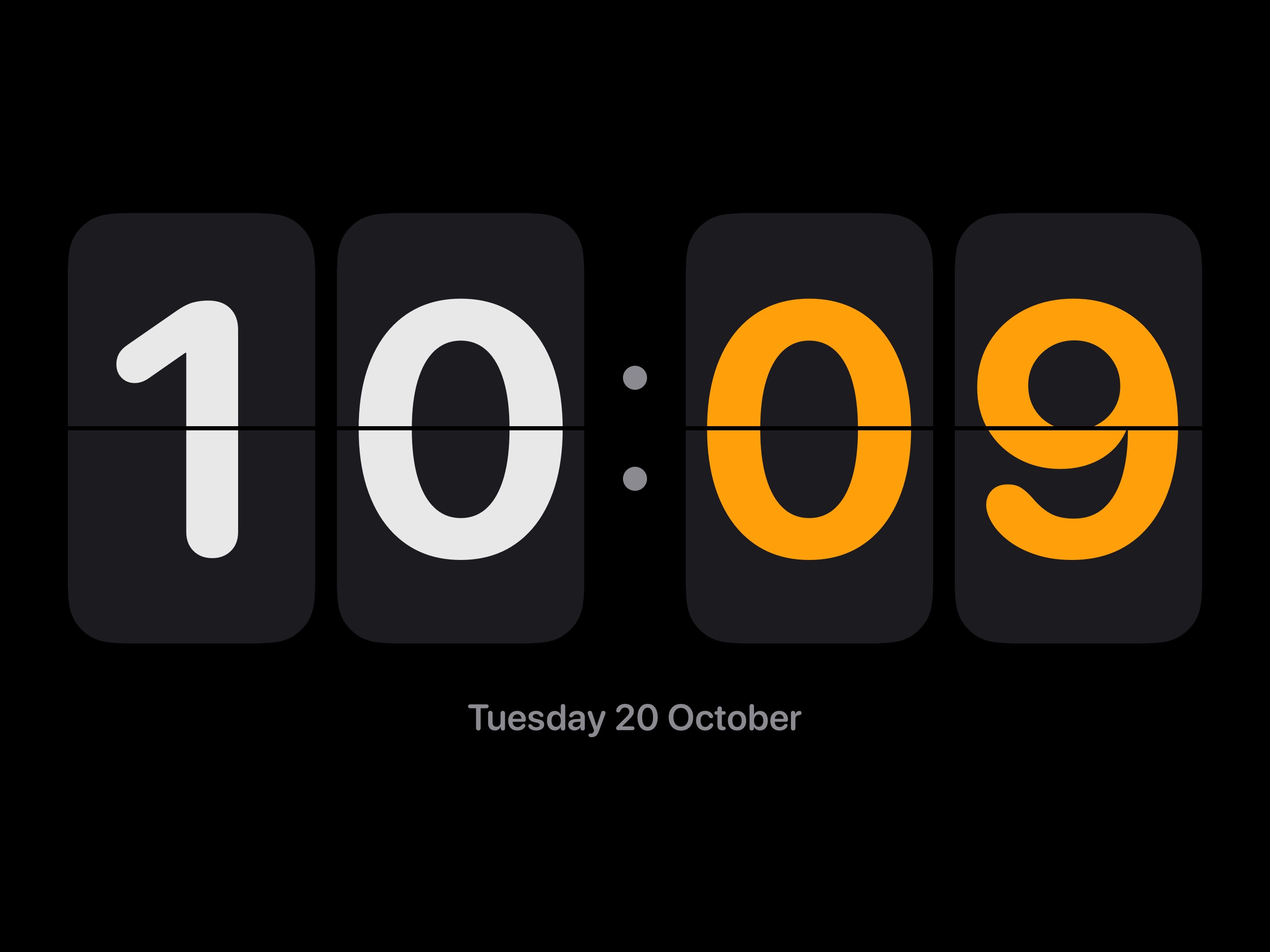
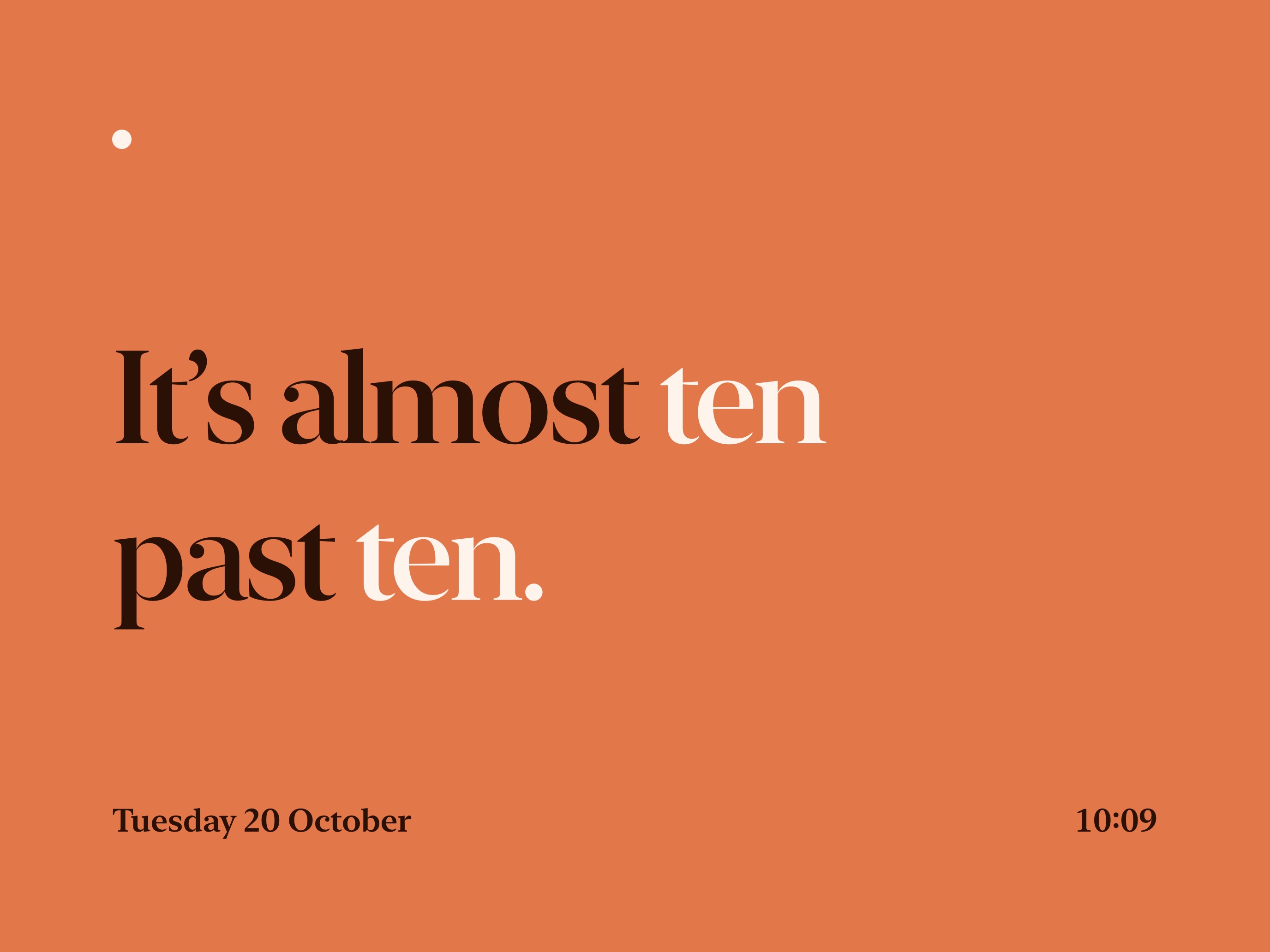
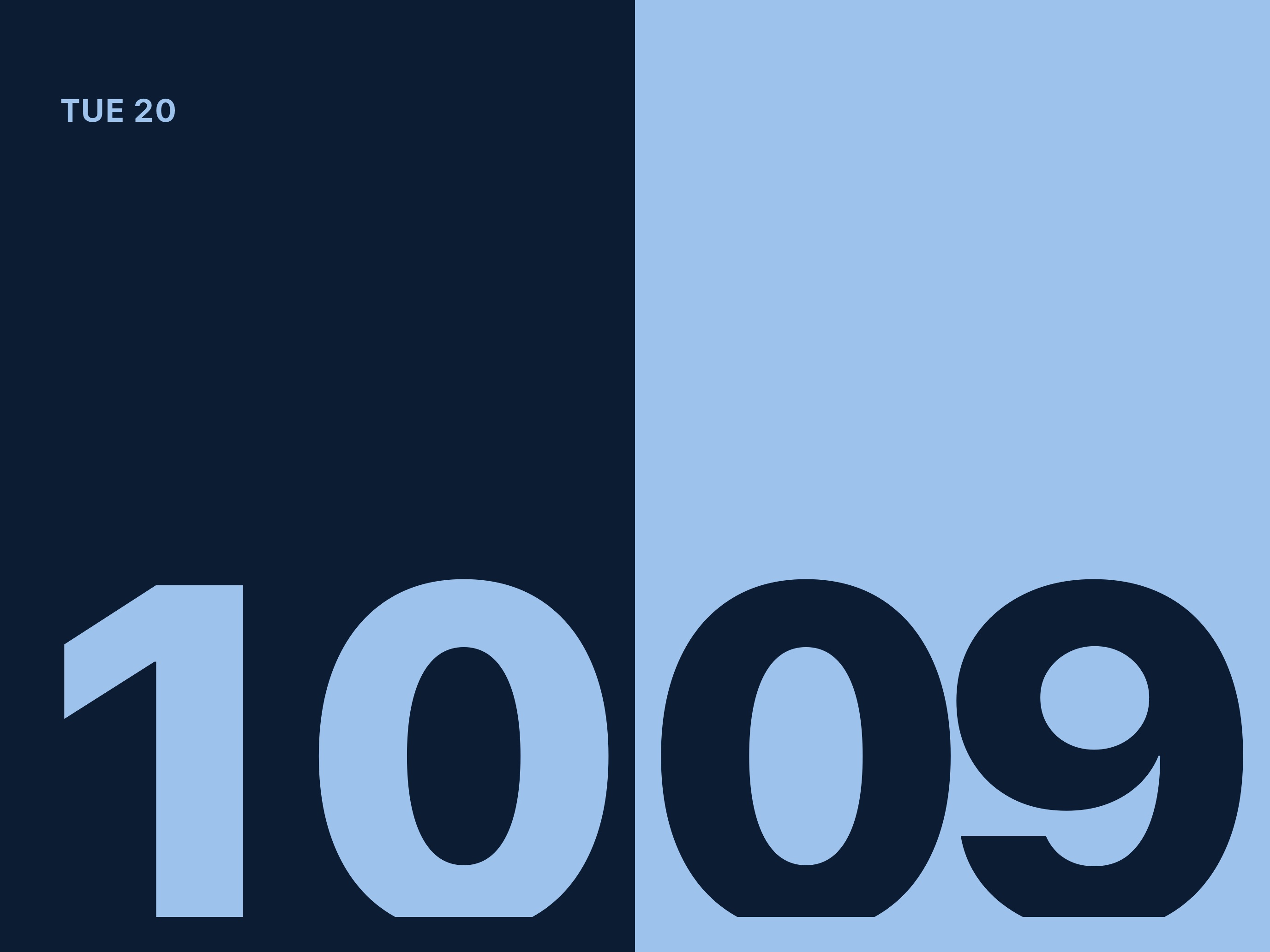
Or let it rest on your photos.
Pick a few favorites. It slowly fades between them, with the time in the corner.

Privacy
Private by default.
Nothing from the camera ever leaves the iPad.
Not stored
Frames are checked in memory, then discarded.
Not sent
The app makes no network requests of its own.
Not tracked
No analytics, no telemetry, no third-party SDKs.
Verifiable
The source is public, so you can confirm it yourself.
Open source
Public code. Yours to read, build, and improve.
Every privacy claim here is something you can check line by line.
Contributions are welcome.
Free for personal, non-commercial use under the PolyForm Noncommercial license. Commercial use needs a separate license, kept affordable.
Reach me at dashpad@rafapages.com.
What's new
Still getting better.
Put it on the wall.
A one-time purchase. No subscription. No account.